Packs / Claude and ChatGPT power users / Claude Power Prompts: 30 Real Work Use Cases with Projects, Files and Long Documents
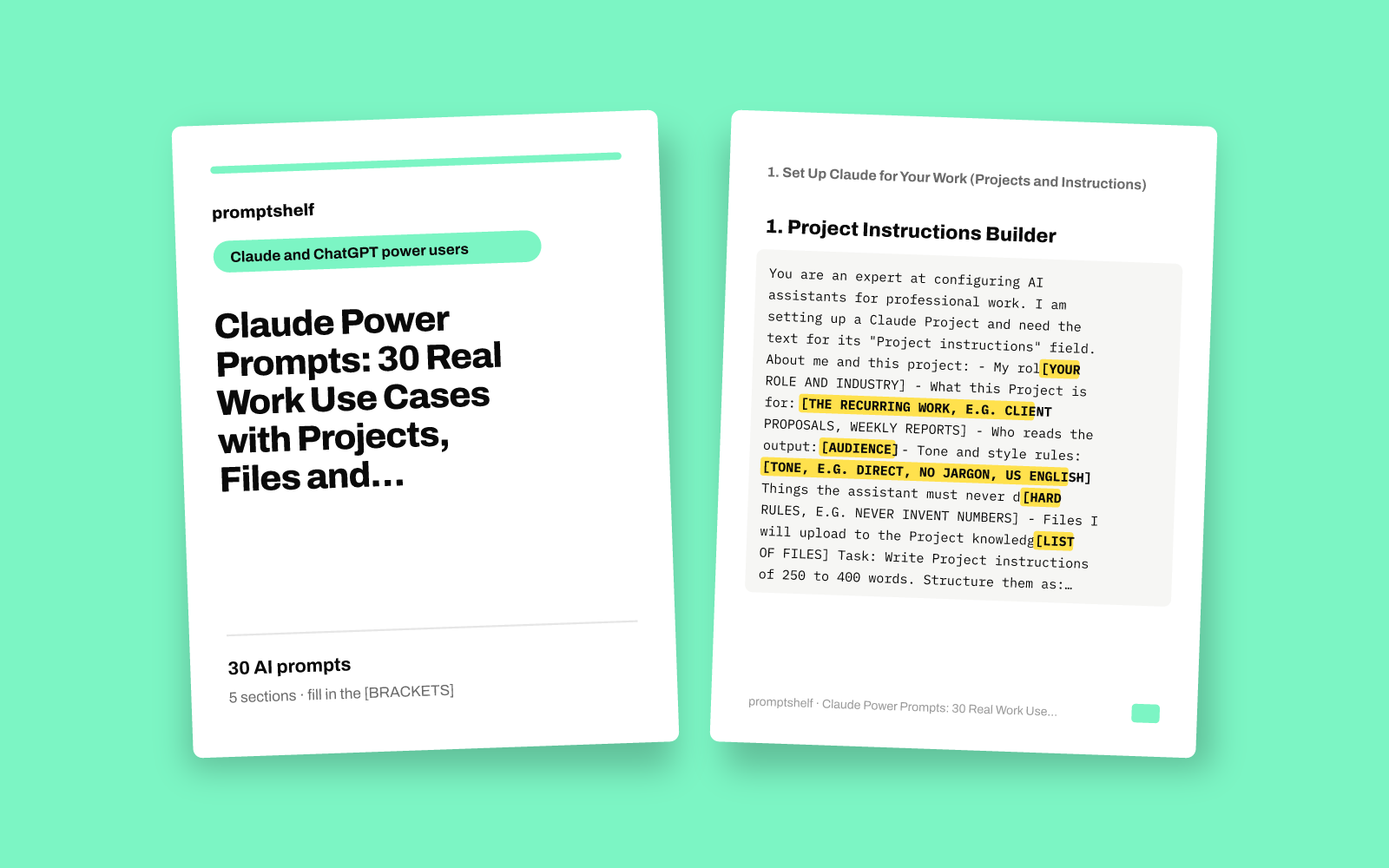
Claude Power Prompts: 30 Real Work Use Cases with Projects, Files and Long Documents
Ready-to-use Claude workflows for research, writing systems, document analysis, planning and decision-making, each with a filled-in example.
Secure checkout by Gumroad: card, PayPal or Apple Pay. Instant download, no account needed.
Also in The All-Access Pass: every prompt pack: 16 packs for $29, save 89%.
- 30 ready-to-use prompts
- Instant PDF download
- Works with any AI assistant
- Pay once, keep forever
About this pack
This pack gives you 30 ready-to-paste prompts for using Claude on real work: setting up Projects, researching a topic, reading long documents and files, building repeatable writing systems, and making better decisions. Each prompt sets a role, asks for the context Claude needs, defines the output format, and tells Claude to ask you questions rather than invent facts.
Every prompt comes with a short note on when to use it and a filled-in example that shows realistic values in place of the [BRACKETS], such as a bookkeeper setting up a Project or a coffee shop owner reviewing a lease. The examples show how to fill in each prompt; they are not real outputs or results.
The prompts are written for Claude (Projects, file and image upload, long documents) and most also work in ChatGPT or Gemini. This is a digital collection of text prompts. It does not include software, an AI subscription, legal or financial advice, or any guarantee of business results.
What you get
- Prompts
- 30, in 5 sections
- Format
- PDF + plain-text copy
- Works with
- ChatGPT, Claude, Gemini, Copilot and other AI chat assistants
- Delivery
- Instant download, link also emailed
- Licence
- Your own personal and business use
- Guarantee
- 7-day fix-or-refund if the file is faulty
Try two prompts free
Project Instructions Builder
Use when you create a new Claude Project and want instructions that make every chat in it start with the right context.
Personal Style Guide From Your Own Writing
Use when you want Claude to write like you, based on samples you upload or paste.
Highlighted parts are what you fill in.
Everything inside
1. Set Up Claude for Your Work (Projects and Instructions)
- Project Instructions Builder
- Personal Style Guide From Your Own Writing
- Knowledge File Audit
- Reusable Task Template Maker
- Context Brief for a New Chat
- Role Card for a Specialist Assistant
2. Research and Synthesis
- Research Plan Before You Start
- Multi-Source Synthesis Table
- Competitor Snapshot From Pasted Pages
- Interview and Survey Theme Finder
- Explain a Complex Topic at Three Levels
- Claim Checker for a Draft
3. Long Documents and File Analysis
- Long Document Executive Brief
- Contract Clause Explainer
- Compare Two Versions of a Document
- Spreadsheet Data Insight Pass
- Meeting Transcript to Action Plan
- Image and Screenshot Reviewer
4. Writing Systems
- Outline First, Then Draft
- Editor Pass With Tracked Reasons
- One Source, Many Formats
- Difficult Email Drafter
- Standard Operating Procedure Writer
- Newsletter Issue Builder
5. Planning and Decision-Making
- Decision Matrix With Hidden Assumptions
- Pre-Mortem Risk Review
- 90-Day Plan From a Goal
- Steelman Both Sides
- Budget and Scenario Planner
- Weekly Review and Priority Reset
Who it's for
- Solo business owners and freelancers who use Claude daily and want it to handle real tasks, not just quick questions
- Professionals who read long reports, contracts or spreadsheets and need clear summaries and comparisons
- Consultants, managers and operators who write proposals, SOPs, newsletters and difficult emails every week
- Anyone who has set up a Claude Project but is not sure what to put in the instructions or knowledge files
How to use it
- Find the section that matches your task, such as Long Documents and File Analysis, and pick the prompt whose "when to use" fits your situation.
- Copy the prompt and replace every [SQUARE BRACKET] field with your own details. The filled-in example shows how much detail works well.
- Upload any files the prompt mentions (PDFs, spreadsheets, screenshots) in the same message, or add them to a Claude Project if you will reuse them.
- Answer any questions Claude asks back, then review the result. Check facts, numbers and legal or financial points before you rely on them.
- Save the prompts you use most in your Project instructions or a notes file so you can reuse them in seconds.
Questions
- Do I need a paid Claude plan?
- No. Most prompts work on the free plan. Prompts that use Projects or several large file uploads work best on a paid plan, because Projects and higher upload limits are part of paid plans.
- Will these prompts work in ChatGPT or Gemini?
- Yes, most of them will. They are written with Claude features in mind, such as Projects and long document uploads, but the role, context and format structure works in any modern AI assistant. Where a prompt mentions Projects, use custom instructions or a GPT in ChatGPT, or a Gem in Gemini.
- Are the filled-in examples real client results?
- No. The examples show how to fill in each prompt with realistic details. They are not outputs, testimonials or proof of results.
- Can I use the contract and budget prompts instead of a lawyer or accountant?
- No. Those prompts help you understand documents and prepare better questions. Always have important legal, tax and financial decisions reviewed by a qualified professional.


