Packs / Small business owners / Job Posting and New Hire Onboarding Prompts for Small Business Owners
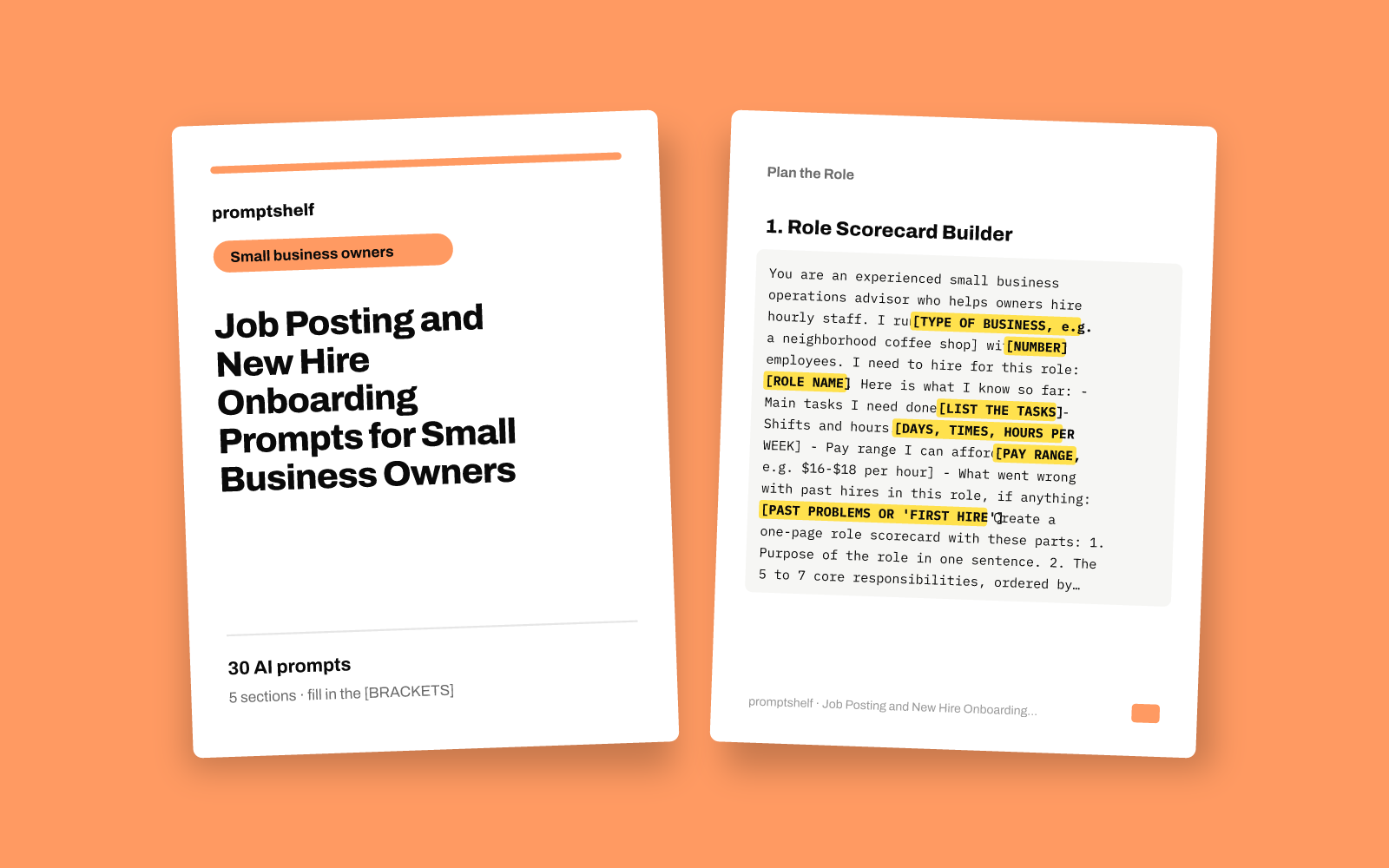
Job Posting and New Hire Onboarding Prompts for Small Business Owners
Write clear job ads, screening questions, interview scripts and a first-week onboarding plan without a hiring manager.
Secure checkout by Gumroad: card, PayPal or Apple Pay. Instant download, no account needed.
Also in The All-Access Pass: every prompt pack: 16 packs for $29, save 89%.
- 30 ready-to-use prompts
- Instant PDF download
- Works with any AI assistant
- Pay once, keep forever
About this pack
Hiring your first or fifth hourly employee is a lot of work when you are also running the counter, the kitchen or the job site. This pack gives you 30 copy-and-paste prompts that walk an AI assistant through the whole process with you: deciding what the role really is, writing a clear job ad, screening applicants, running fair interviews, making the offer, and planning the new hire's first week and first month.
Every prompt asks you for the details of your own business (your shifts, pay range, tasks and team) and tells the assistant to work only from what you give it and to ask when something is missing. You get drafts you can edit and use the same day: a job ad, screening questions, a phone screen script, an interview guide with a scoring sheet, an offer message, a day-one checklist and a first-week schedule.
What this pack is not: it is not legal or HR advice, and it does not know the employment laws where you are. Prompts that touch pay, interview questions or paperwork remind you to check local rules with your state or national labor agency or an advisor. It does not post jobs for you or connect to any hiring software. It works with ChatGPT, Claude, Gemini, Copilot and other modern AI assistants.
What you get
- Prompts
- 30, in 5 sections
- Format
- PDF + plain-text copy
- Works with
- ChatGPT, Claude, Gemini, Copilot and other AI chat assistants
- Delivery
- Instant download, link also emailed
- Licence
- Your own personal and business use
- Guarantee
- 7-day fix-or-refund if the file is faulty
Try two prompts free
Role Scorecard Builder
Use this first, before writing any ad, to get clear on what the job is and what a good hire looks like.
Part-Time, Full-Time or Seasonal Decision Helper
Use when you are unsure whether you need one full-time person, two part-timers, or temporary seasonal help.
Highlighted parts are what you fill in.
Everything inside
Plan the Role
- Role Scorecard Builder
- Part-Time, Full-Time or Seasonal Decision Helper
- Shift Coverage Map
- Pay and Perks Positioning
- Cost of a New Hire Estimator
- Where to Find Applicants Plan
Write the Job Posting
- Complete Job Ad from Your Scorecard
- Short Version for Social Media and Window Signs
- Fix My Existing Job Ad
- Clear and Inclusive Language Check
- Job Board Versions in One Go
- Ad for a Hard-to-Fill Shift
Screen Applicants
- Application Screening Questions
- Applicant Shortlist Scorer
- 10-Minute Phone Screen Script
- Applicant Reply Messages
- Reference Check Call Guide
- Screening Applicants with No Experience
Interview and Decide
- Structured Interview Guide
- Customer Situation Questions
- Paid Trial Shift Plan
- Compare Candidates and Decide
- Job Offer Message and Letter
- Interview Question Safety Check
Onboard the New Hire
- First-Week Onboarding Plan
- Day-One Welcome Checklist
- Task Training Guide
- One-Page Staff Handbook
- 30-Day Check-In Conversation
- Training Buddy Guide
Who it's for
- Owners of cafes, restaurants, retail shops, salons and other small businesses who hire hourly or part-time staff
- Service business owners (cleaning, landscaping, repair, pet care) hiring their first crew members
- Store and shift managers who handle hiring without an HR department
- Owners who keep hiring for the same role because new staff quit in the first few weeks
- Anyone who wants a repeatable hiring and onboarding routine instead of starting from scratch each time
How to use it
- Start in the Plan the Role section and run the role scorecard prompt first. Save its output, because later prompts ask you to paste it in.
- Copy a prompt into your AI assistant and replace every [SQUARE BRACKET IN CAPS] with your own details. The more specific you are about shifts, pay and tasks, the better the result.
- Answer any questions the assistant asks before it drafts. It is told not to guess facts about your business.
- Read every draft before you use it. Edit the tone so it sounds like you, and check pay, legal and policy wording against your local rules.
- Keep the outputs you like (job ad, interview guide, first-week plan) in one document so your next hire takes an hour instead of a week.
Questions
- Which AI assistant do I need?
- Any modern AI chat assistant works, including ChatGPT, Claude, Gemini and Microsoft Copilot. Free versions handle most prompts. Copy a prompt, replace the parts in [SQUARE BRACKETS IN CAPS] with your details, and send it.
- Is this legal or HR advice?
- No. The prompts help you write and organize your hiring materials. Employment rules on pay, breaks, interview questions and paperwork vary by country and state, so the prompts remind you to confirm those points with your local labor agency, an accountant or an employment advisor.
- Will this work for my type of business?
- The prompts are written for small businesses that hire hourly or part-time staff, such as cafes, restaurants, retail shops, salons and service crews. You describe your own tasks, shifts and pay, so the results fit your business rather than a generic template.
- What do I actually receive?
- You get 30 prompts in 5 sections that follow the hiring process from planning the role to the 30-day check-in, each with a title and a note on when to use it. It does not include software, job board access or finished documents; the AI assistant writes those drafts with you using your details.


